cURL for Beginners: Talking to Servers Without Fear 🚀
If you’re learning backend, APIs, or even frontend seriously, you will meet cURL.
Docs use it. Tutorials assume it. Seniors paste commands like magic spells.
And beginners wonder:
“Why am I talking to the internet from the terminal?”
This article answers that — slowly, practically, and without fear.
First Things First: What Is a Server?
Before cURL, one idea matters.
A server is just a computer on the internet that:
Receives requests
Does some work
Sends responses back
Every time you:
Open a website
Submit a form
Use an app
A request → response cycle happens.
That’s the entire web.
So What Is cURL? (Very Simple)
cURL is a tool that lets you send requests to a server from the terminal.
That’s it.
👉 cURL = sending messages to a server without a browser
No buttons.
No UI.
Just raw communication.
This is exactly why developers love it.
Why Programmers Actually Use cURL
Browsers are for users.
cURL is for understanding and testing.
Programmers use cURL to:
Test APIs quickly
Check if a backend is working
Debug responses
Send requests without frontend code
Automate server communication
Think of cURL as:
“Direct phone call to the server.”
Browser vs cURL (Conceptual)

Browser
Renders UI
Hides raw data
Adds many things automatically
cURL
Shows raw response
No styling
Pure request → response
Both talk HTTP.
cURL just shows the truth.
Your First cURL Command (Zero Complexity)
curl https://example.com
What happened:
cURL sent a request
Server responded
HTML was printed in terminal
This is normal.
You’re seeing what browsers usually hide.
Understanding the Response (Very Important)
Every response has two main parts:
Response
├── Status code
└── Data (body)
Common status codes:
200 → Success
404 → Not found
500 → Server error
Data can be:
HTML
JSON
Plain text
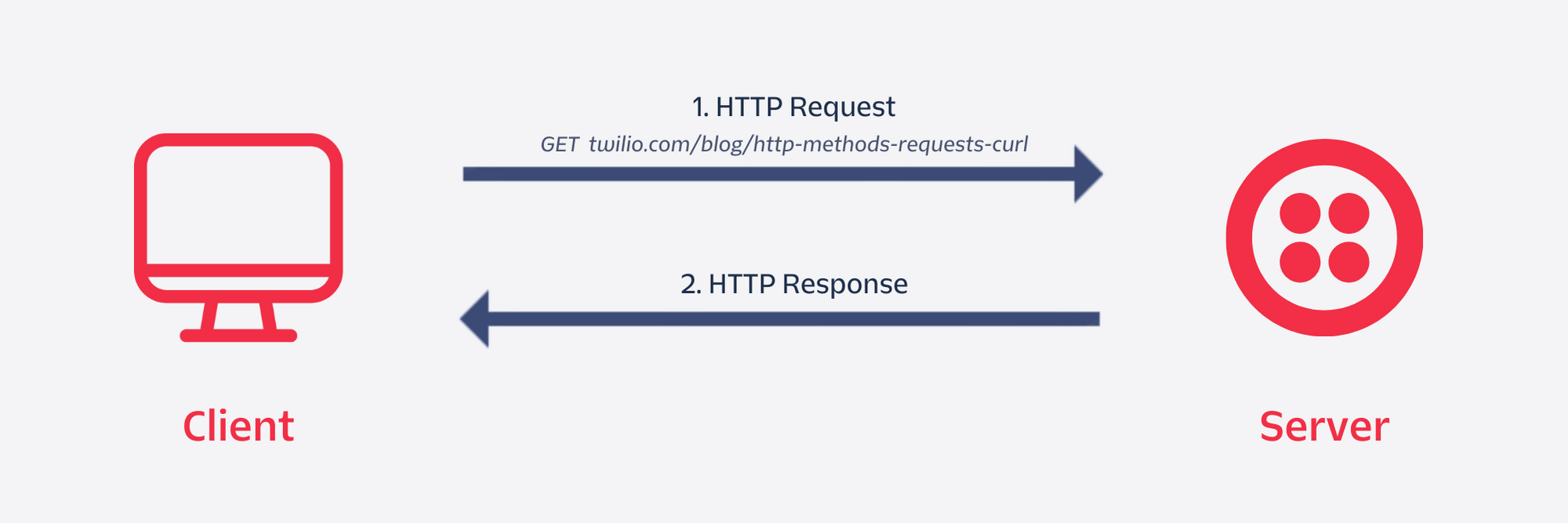
Request → Server → Response (Core Flow)
You (Terminal)
   |
   |  cURL request
   v
 Server
   |
   |  Response
   v
You (Terminal)
This flow is the foundation of backend development.
Using cURL with APIs (Real Examples)
Most APIs return JSON, not HTML.
curl https://api.github.com
You’ll see structured data like:
{
  "current_user_url": "...",
  "authorizations_url": "..."
}
This is how machines talk.
GET Requests (Default Behavior)
GET means:
“Give me data.”
Example:
curl https://api.github.com/users/octocat
No flags needed.
Simple. Clean.
POST Requests (Explained Gently)
POST means:
“I want to send data to the server.”
Basic POST Request
curl -X POST https://httpbin.org/post
Here:
-X POSTtells cURL the request typeServer responds with received data
POST with Data (-d flag)
curl -X POST https://httpbin.org/post -d "name=Navish"
You are now sending data.
POST with JSON (Very Common)
curl -X POST https://httpbin.org/post \
  -H "Content-Type: application/json" \
  -d '{"name":"Navish","role":"developer"}'
Don’t panic 😄
This is the most common real-world pattern.
Common cURL Flags (Only the Useful Ones)
You don’t need 50 flags. Start with these:
| Flag | Meaning |
-X | Request method (GET, POST) |
-d | Send data |
-H | Add headers |
-i | Show response headers |
-v | Verbose (debugging) |
Example:
curl -i https://example.com
Shows headers + body.
Basic HTTP Structure (Visual)
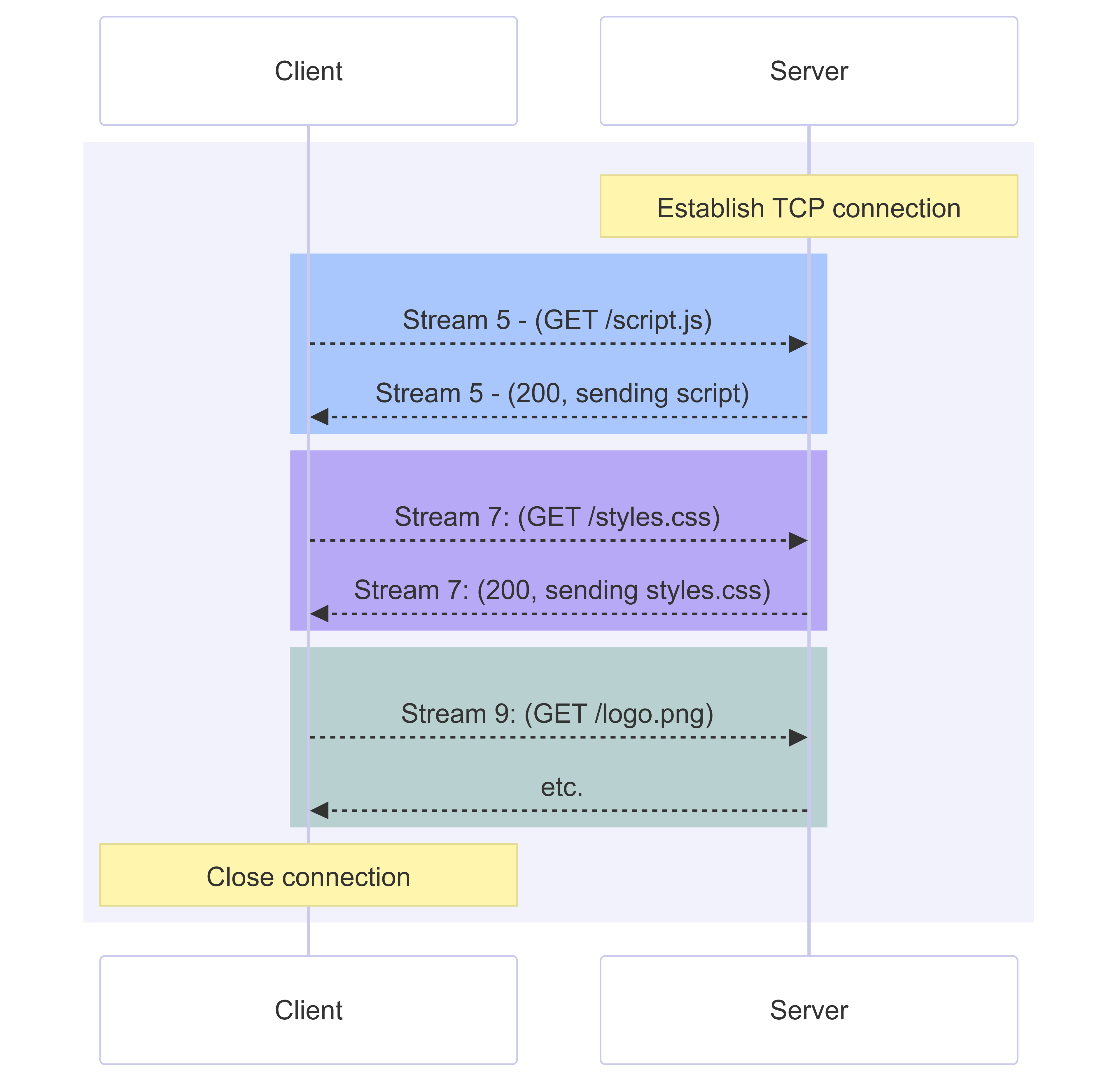
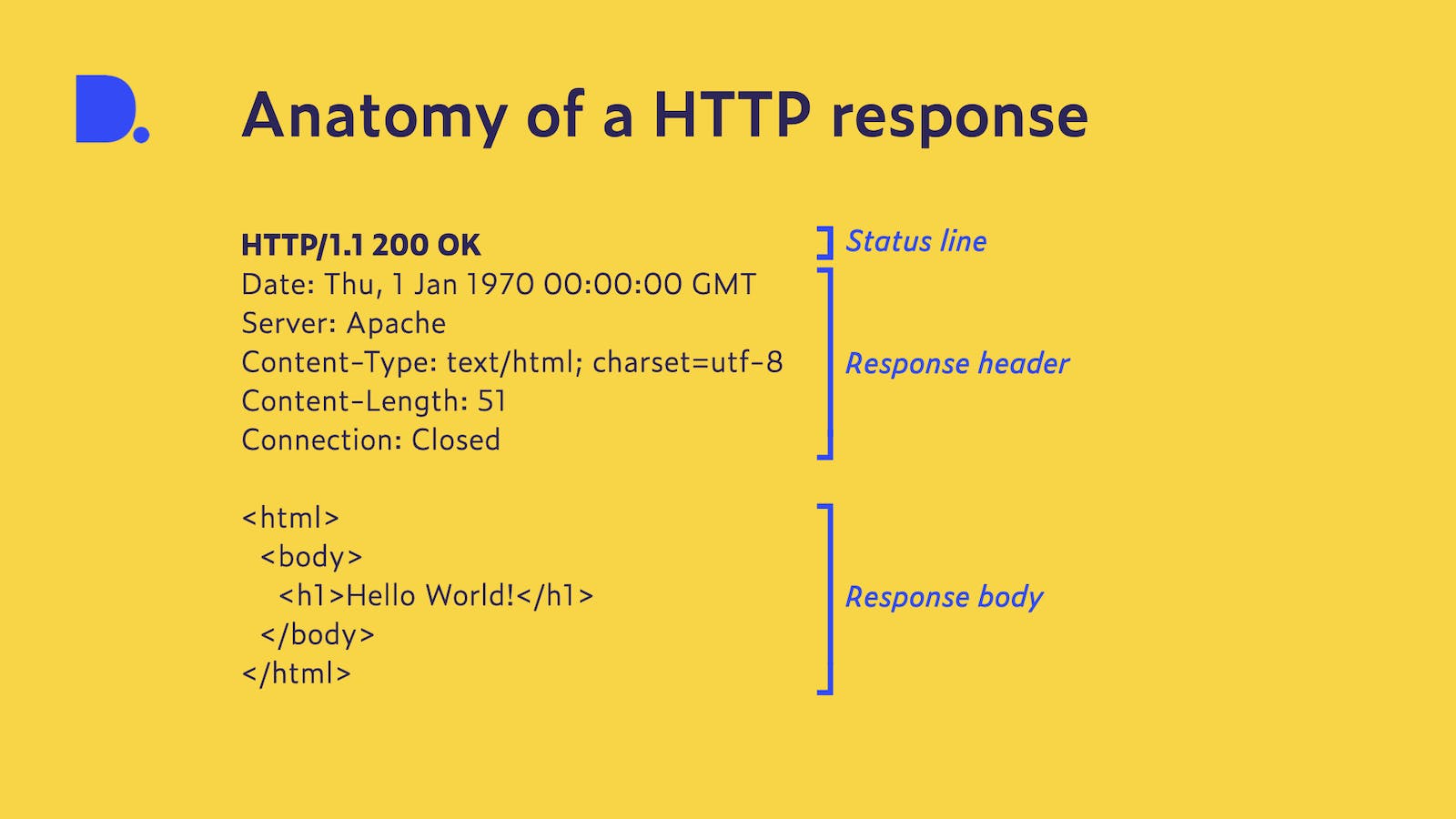
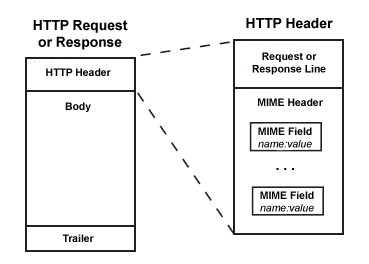
Request
POST /users
Headers
Body
Response
200 OK
Headers
JSON Data
cURL helps you see this clearly.
Practical Use Cases Where cURL Shines
✅ Testing REST APIs
Before frontend exists.
✅ Debugging Backend Responses
Check what server actually returns.
✅ Automation
Used inside scripts and CI/CD.
✅ Learning HTTP
Best teacher for how the web works.
Troubleshooting Tips (Beginner-Safe)
Server not responding?
Check URL
Check internet
Getting 404?
- Endpoint may be wrong
Getting 500?
- Server-side issue (not your fault)
Confused output?
Use:
curl -v URL
Verbose mode explains everything.
Practice cURL Safely (Interactive Tools)
You can practice without breaking anything:
These are made for learning.
Where cURL Fits in Backend Development
Flow:
Frontend → Backend → Database
        ↑
       cURL
cURL lets you test backend without frontend.
This is why backend devs love it.
Conclusion: Why Learning cURL Is Worth It
cURL teaches one powerful idea:
👉 The web is just requests and responses.
Once this clicks:
APIs make sense
Backend feels less scary
Debugging becomes logical
You don’t need to master cURL.
You just need to not be afraid of it.